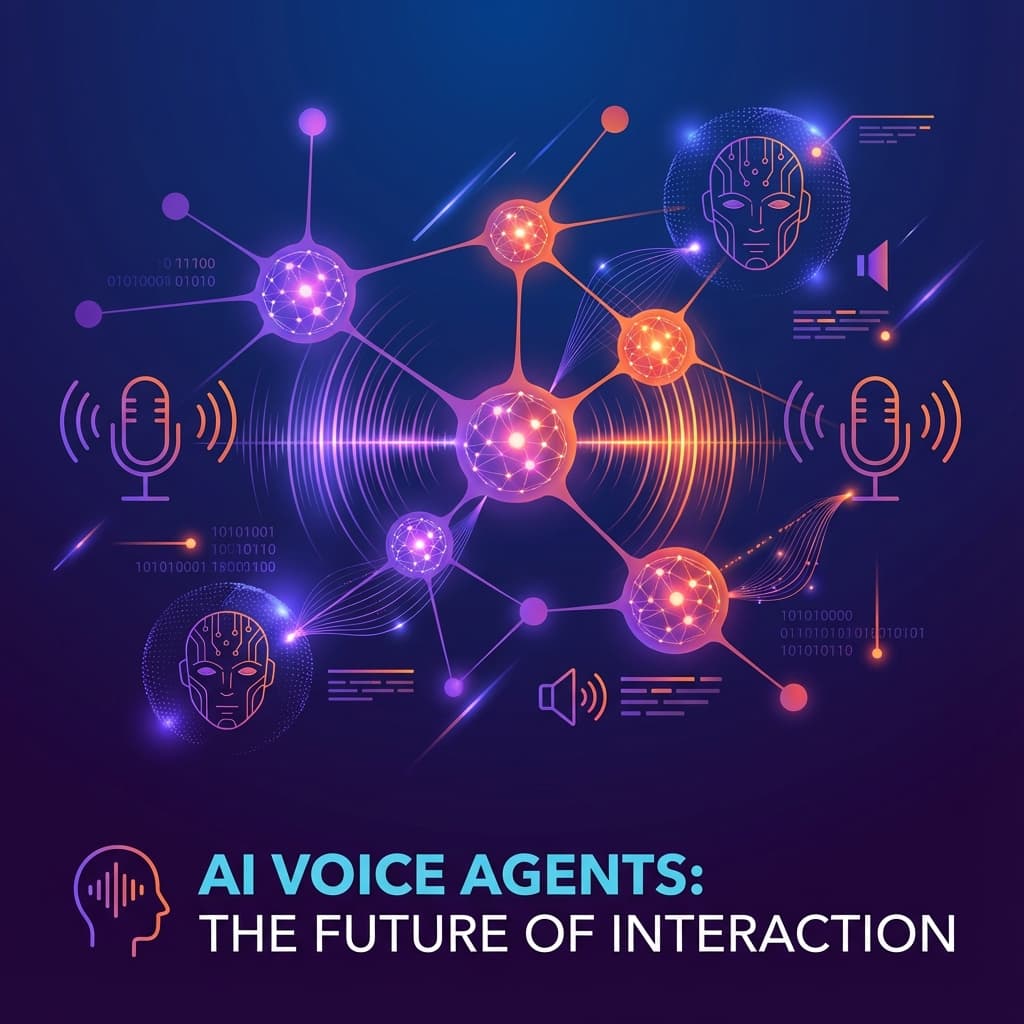
Build Agentic Voice Agents with LangVoice
The future of AI is agentic. Autonomous AI agents that can reason, plan, and execute complex tasks are revolutionizing how we build intelligent applications. But there's one capability that can truly bring these agents to life: voice.
LangVoice makes it incredibly easy to add natural-sounding voice capabilities to your AI agents, whether you're building with LangChain, CrewAI, AutoGen, or OpenAI's Agents SDK.
Why Voice-Enabled AI Agents?
The Power of Multimodal Agents
Text-only agents are limited. Voice-enabled agents can:
- Communicate naturally with users through speech
- Create podcasts and audio content autonomously
- Provide accessibility for visually impaired users
- Enable hands-free interactions in real-world applications
- Build emotional connections through expressive voices
Real-World Use Cases
- Customer Service Agents - Agents that can speak responses to users
- Content Creation Agents - Autonomous podcast and audiobook generators
- Educational Agents - Teaching assistants that explain concepts verbally
- Accessibility Tools - Screen readers powered by natural AI voices
- Voice Assistants - Building blocks for Alexa/Siri-like experiences
Getting Started with LangVoice SDKs
Python SDK
pip install langvoice-sdk
JavaScript/TypeScript SDK
npm install langvoice-sdk
Both SDKs provide ready-to-use tools for all major AI agent frameworks.
LangChain Integration
LangChain is the most popular framework for building LLM applications. Here's how to add voice capabilities:
Python
from langchain_openai import ChatOpenAI
from langchain.agents import AgentExecutor, create_openai_tools_agent
from langchain_core.prompts import ChatPromptTemplate, MessagesPlaceholder
from langvoice_sdk.tools.langchain_tools import LangVoiceLangChainToolkit

# Initialize LangVoice toolkit
toolkit = LangVoiceLangChainToolkit(api_key="your-langvoice-key")
tools = toolkit.get_tools()

# Create your agent
llm = ChatOpenAI(model="gpt-4o")
prompt = ChatPromptTemplate.from_messages([
    ("system", "You are a helpful assistant that can generate speech."),
    ("human", "{input}"),
    MessagesPlaceholder(variable_name="agent_scratchpad"),
])

agent = create_openai_tools_agent(llm, tools, prompt)
executor = AgentExecutor(agent=agent, tools=tools)

# The agent can now generate speech!
result = executor.invoke({
    "input": "Create an audio greeting saying 'Welcome to our AI podcast!'"
})
JavaScript/TypeScript
import { ChatOpenAI } from '@langchain/openai';
import { DynamicTool } from '@langchain/core/tools';
import { LangVoiceLangChainToolkit } from 'langvoice-sdk/tools';

const toolkit = new LangVoiceLangChainToolkit({ apiKey: 'your-langvoice-key' });
const ttsTool = toolkit.getTTSTool('output.mp3');

const tool = new DynamicTool({
  name: 'speak',
  description: 'Generate speech from text',
  func: async (input) => await ttsTool.call(input),
});

const model = new ChatOpenAI({ modelName: 'gpt-4o' });
const modelWithTools = model.bindTools([tool]);
CrewAI Integration
CrewAI enables you to create teams of AI agents that work together. Add voice to your crew:
from crewai import Agent, Task, Crew
from langvoice_sdk.tools.crewai_tools import LangVoiceCrewAIToolkit

# Initialize toolkit
toolkit = LangVoiceCrewAIToolkit(api_key="your-langvoice-key")

# Create a voice-enabled agent
voice_agent = Agent(
    role="Voice Producer",
    goal="Generate professional voice content for the team",
    backstory="Expert at creating engaging audio content with natural-sounding AI voices.",
    tools=toolkit.get_tools(),
    verbose=True,
)

# Create tasks
intro_task = Task(
    description="Generate a podcast intro saying 'Welcome to AI Insights, your weekly dose of artificial intelligence news!'",
    expected_output="Audio file path and confirmation",
    agent=voice_agent,
)

# Run the crew
crew = Crew(agents=[voice_agent], tasks=[intro_task])
result = crew.kickoff()
AutoGen Integration
Microsoft's AutoGen framework excels at multi-agent conversations. Here's how to add voice:
Python
from autogen import AssistantAgent, UserProxyAgent
from langvoice_sdk.tools.autogen_tools import LangVoiceAutoGenToolkit

toolkit = LangVoiceAutoGenToolkit(api_key="your-langvoice-key")

llm_config = {
    "config_list": [{"model": "gpt-4o", "api_key": "your-openai-key"}],
    "functions": toolkit.get_function_schemas(),
}

assistant = AssistantAgent(
    name="voice_assistant",
    system_message="You are a voice content creator. Use the LangVoice tools to generate speech.",
    llm_config=llm_config,
)

user_proxy = UserProxyAgent(
    name="user",
    human_input_mode="NEVER",
)

# Register LangVoice functions
for func in toolkit.get_functions():
    user_proxy.register_function(function_map={func.__name__: func})

# Start conversation
user_proxy.initiate_chat(
    assistant,
    message="Create a motivational message in Michael's voice."
)
JavaScript/TypeScript
import { LangVoiceAutoGenTools } from 'langvoice-sdk/tools';

const tools = new LangVoiceAutoGenTools({
  apiKey: 'your-langvoice-key',
  autoSave: true,
  outputFile: 'output.mp3',
});

// Get function definitions for AutoGen
const functionDefs = tools.getFunctionDefinitions();
const functionMap = tools.getFunctionMap();

// Handle function calls from AutoGen
const result = await tools.handleFunctionCall({
  name: 'langvoice_text_to_speech',
  arguments: { text: 'Hello from AutoGen!', voice: 'heart' },
});
OpenAI Agents SDK Integration
The newest addition to the AI agent ecosystem, OpenAI's Agents SDK, works seamlessly with LangVoice:
Python
from openai import OpenAI
from langvoice_sdk.tools import LangVoiceOpenAITools

client = OpenAI()
langvoice = LangVoiceOpenAITools(api_key="your-langvoice-key")

response = client.chat.completions.create(
    model="gpt-4o",
    messages=[
        {"role": "system", "content": "You are a voice assistant. Use tools to generate speech."},
        {"role": "user", "content": "Say 'Hello World' in a friendly voice"}
    ],
    tools=langvoice.get_tools(),
)

# Process tool calls
if response.choices[0].message.tool_calls:
    for tool_call in response.choices[0].message.tool_calls:
        result = langvoice.handle_call(tool_call)
        langvoice.save_audio_from_result(result, "output.mp3")
        print(f"Generated audio: {result.get('duration')}s")
JavaScript/TypeScript
import OpenAI from 'openai';
import { LangVoiceOpenAITools } from 'langvoice-sdk/tools';

const openai = new OpenAI();
const langvoice = new LangVoiceOpenAITools({ apiKey: 'your-langvoice-key' });

const response = await openai.chat.completions.create({
  model: 'gpt-4o',
  messages: [{ role: 'user', content: 'Generate speech saying: Hello World!' }],
  tools: langvoice.getTools(),
});

if (response.choices[0].message.tool_calls) {
  for (const toolCall of response.choices[0].message.tool_calls) {
    const result = await langvoice.handleCall(toolCall);
    await langvoice.saveAudioFromResult(result, 'output.mp3');
  }
}
Advanced: Multi-Voice Agent Conversations
Create agents that can generate conversations between multiple AI voices:
from langvoice_sdk import LangVoiceClient

client = LangVoiceClient(api_key="your-api-key")

# Agent-generated podcast script with multiple voices
script = """
[heart] Welcome to AI Agents Weekly! I'm your host, Heart.
[michael] And I'm Michael, your co-host. Today we're discussing the future of autonomous AI.
[heart] That's right, Michael. Let's dive into the exciting world of agentic AI!
[michael] First up, let's talk about how AI agents are changing software development...
"""

response = client.generate_multi_voice(
    text=script,
    language="american_english"
)

with open("podcast_episode.mp3", "wb") as f:
    f.write(response.audio_data)
Best Practices for Voice Agents
1. Choose the Right Voice for the Task
- Use authoritative voices for educational content
- Use warm, friendly voices for customer service
- Match voice characteristics to agent persona
2. Handle Asynchronous Generation
Voice generation takes time. Design your agent workflows to handle async operations gracefully.
3. Cache Generated Audio
If your agents generate similar content frequently, implement caching to reduce API calls and latency.
4. Consider Multi-Language Support
LangVoice supports 9 languages. Build agents that can speak to users in their preferred language.
Conclusion
Voice-enabled AI agents represent the next evolution in autonomous AI systems. With LangVoice's native integration for LangChain, CrewAI, AutoGen, and OpenAI Agents, you can build sophisticated voice agents in minutes.
Get started today with our official SDKs and bring your AI agents to life!
Resources:
Tags
Ready to Transform Your Text to Speech?
Try LangVoice free and experience the most natural AI voices for your content.
Try LangVoice Free

